
Gaming & eSports
-

Budget Gaming Headset: How to Choose One That’s Worth It
A cheap headset is only worth buying if your friends can hear you, not just if you can hear the game. Check that before you look at price, sound, or style. Nintendo’s support page says that with a Bluetooth headset on Switch 2 you can hear other players but not use the headset’s microphone. Sony’s error page says a Bluetooth…
Read More » -
Capture Card for OBS: How to Set It Up
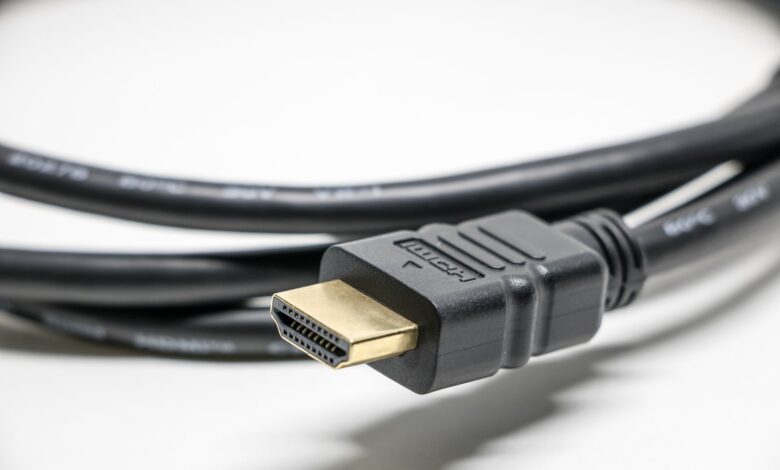
While setting up and using OBS with your console, it’s important to note that there are two separate paths for the TV and the computer to receive the game. When you follow the setup by checking each route in order, you will avoid confusion with regard to what needs adjustment versus what does not need to be adjusted randomly. Adding…
Read More » -
Capture Card for PS5 Streaming: How to Set It Up
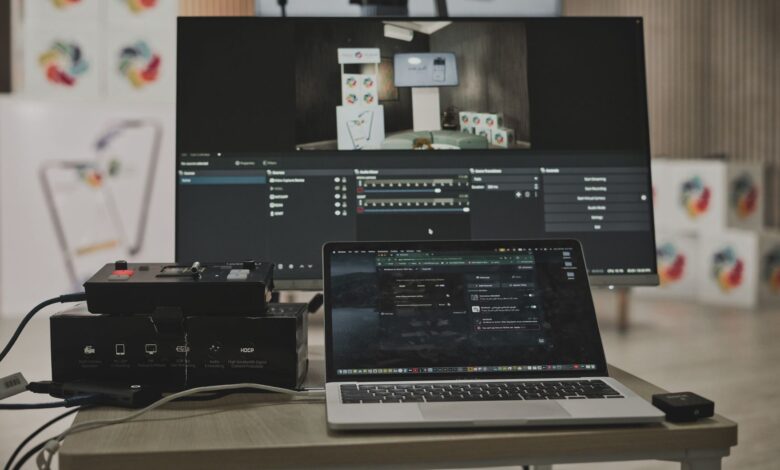
When streaming PS5 gameplay, the console outputs two signals, with one signal going directly to your display (TV or monitor) and the other going to a device that performs the stream (your PC). If one of the signals appears on the screen, you know that the signal path is functioning properly, and the other one is the area where the…
Read More » -
Capture Card for Nintendo Switch: How to Choose and Set It Up
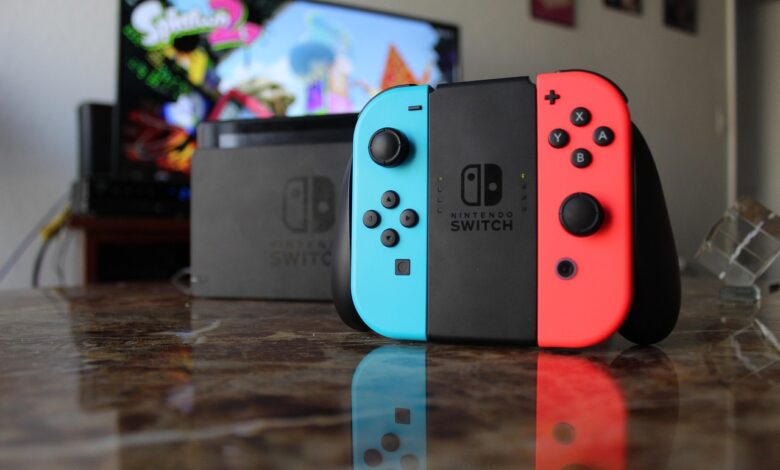
For a capture card to function properly with a Nintendo Switch, the console must be positioned in its dock and connected to a power source. This is why it is much more important to consider which model of the Switch you own compared to which model of the capture card you buy, as Nintendo limits the Switch Lite’s ability to…
Read More » -
Xbox Controller Won’t Connect to PC: How to Fix It
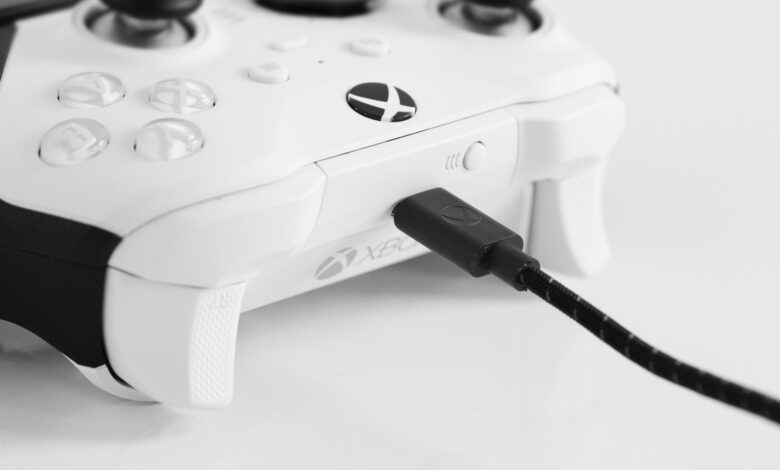
There are three ways to connect an Xbox controller to a computer: cable, Bluetooth, or Microsoft’s wireless adapter. Many people mistakenly assume that one of the three connection types has failed. Turn to Xbox’s official PC connection guide to get information about setting, menus and limitations for USB, Xbox Wireless Adapter and Bluetooth. When attempting to troubleshoot why your Xbox…
Read More » -
Rapid Trigger Keyboard: What It Does and Who Needs It
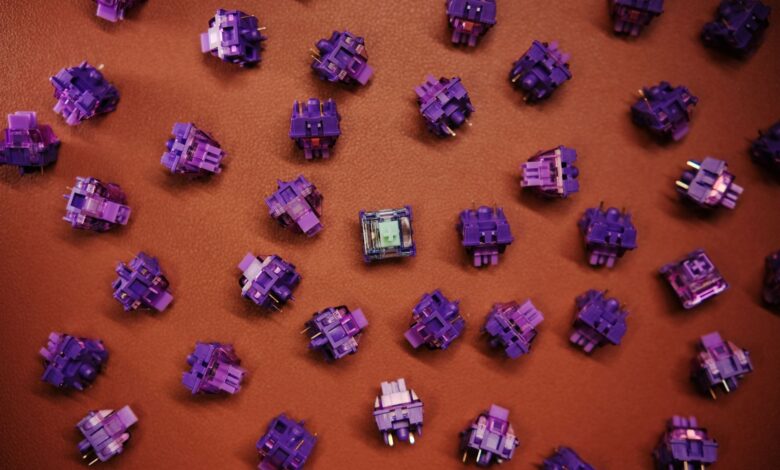
A rapid trigger doesn’t improve the responsiveness of a keyboard or speed up the process by which the computer receives the keystroke, however it does affect how fast a keyboard “stops” sending signals for a key that you have not physically released yet. The traditional mechanical keyboards use a solid clicking mechanism that keeps the key “on” until the key…
Read More » -
60 Percent Keyboard: Is It Good for Gaming?
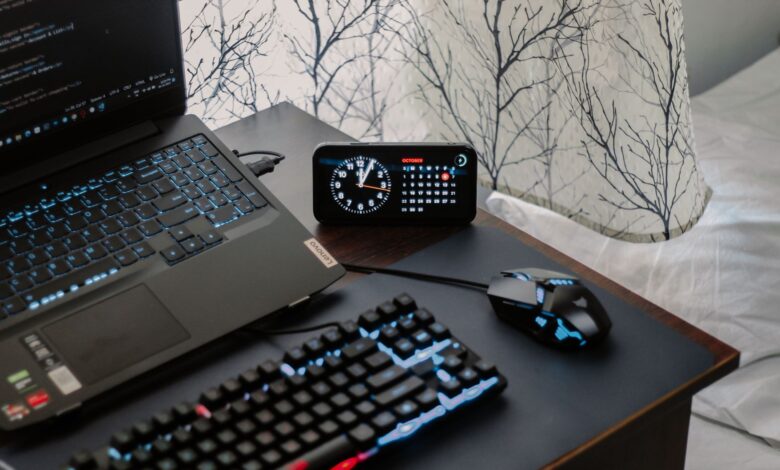
The only thing you can measure with a 60% keyboard is how wide your desk is. The rest of what people claim about 60% keyboards (more keystrokes per second, better accuracy) is either a feature of a particular keyboard model or not proven at all. Based on HyperX’s published dimensions, a 60% keyboard is typically 296 mm (11.7 in) wide;…
Read More » -
75 Percent Keyboard: Is It Good for Gaming and Everyday Use?
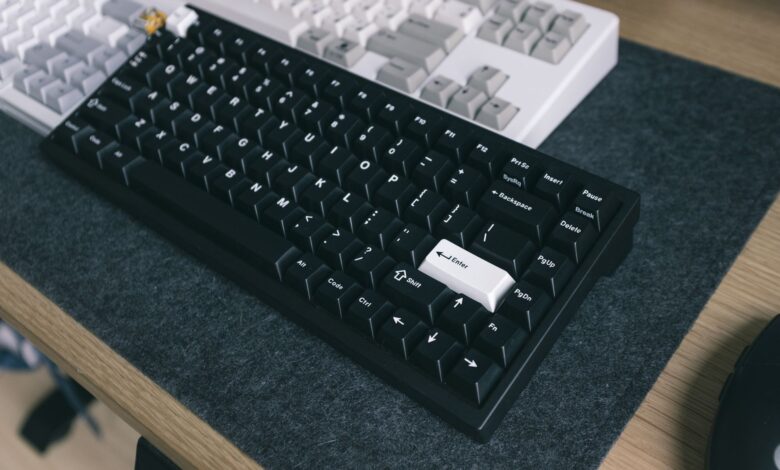
When you say “75 percent” in terms of keyboard size, you are not getting a measurement of anything since no standards body really defines what keyboard size percentages mean. The only useful thing that this designation gives you is an idea of what keys will likely be present on a keyboard (the top row of shortcut keys, the arrow keys,…
Read More » -
Ambidextrous Gaming Mouse: How to Choose the Right One
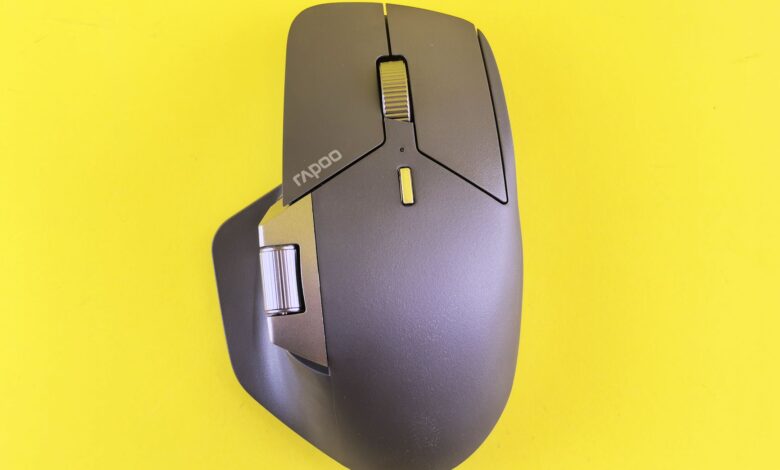
When a mouse is labeled as “ambidextrous,” it means that it’s shaped equally for both left- and right-handed users, but it doesn’t guarantee that users will have the same number or function of buttons on each side. Many mice labeled as ambidextrous have a mirror image of the thumb button on the left side. So when a left-handed person picks…
Read More » -
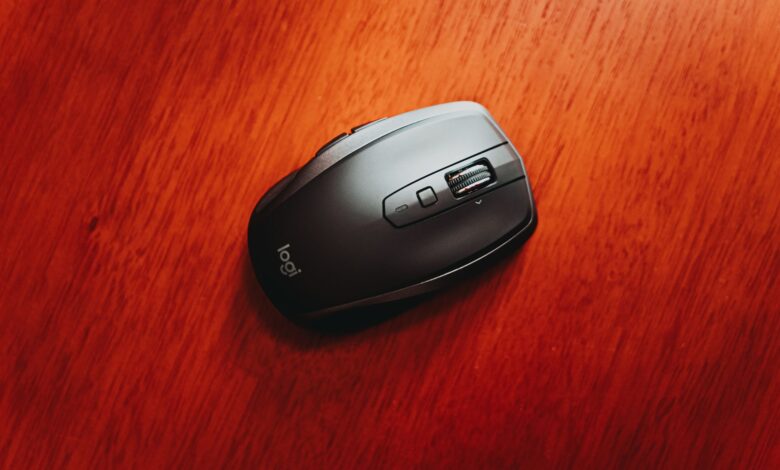
Budget-Friendly Wireless Gaming Mouse: What to Look For
A low-cost wireless gaming mouse can be just as fast as a wireless gaming mouse priced four times higher. The determining factor is not the pricing but rather the two different wireless connections that appear on the packaging for that gaming mouse. Most budget-friendly gaming mice will support both connection types, while each one will have a different response time.…
Read More »