
Computers & Hardware
-
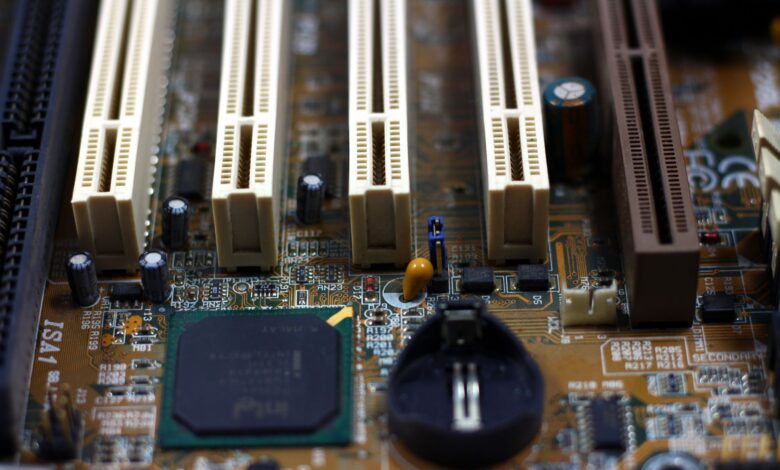
PCIe 4.0: What Does It Change for SSDs, GPUs, and Everyday PC Performance?
The newer connection inside your PC really does move data twice as fast as the older one. Most of the time you won’t notice the difference, though. The big exception is a budget graphics card that runs out of its own memory. PCI-SIG, the group that writes the PCIe standard, rates PCIe 4.0 at 16 GT/s per lane, up from…
Read More » -
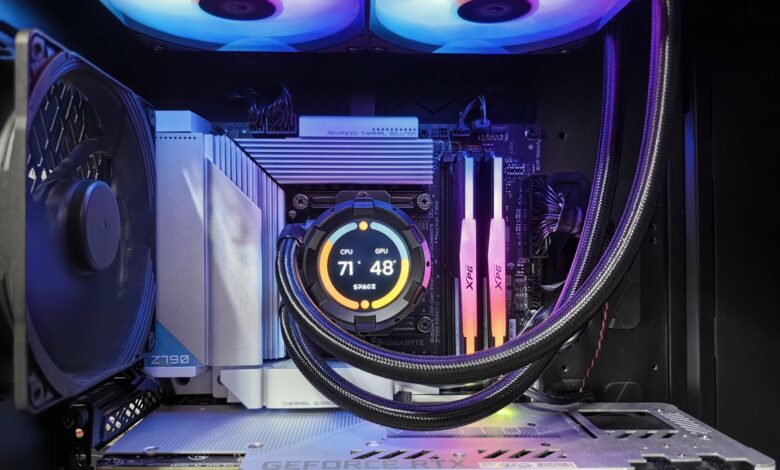
**Why Is My Gaming PC Overheating? Diagnose the Cause Before Replacing Parts**
A hot gaming PC is not always an overheating one. The problem is real when three things happen together: your processor or graphics card reaches its own rated limit, its clock speed or power drops, and a stutter, crash, or shutdown occurs at that same moment. Intel says running at maximum temperature during a workload “isn’t necessarily cause for concern,”…
Read More » -

**Can You Upgrade a Laptop Graphics Card? When an eGPU Is the Realistic Option**
On almost every laptop, you can’t swap the graphics card the way you would in a desktop. Dell’s support guidance puts it plainly: “With a few specific exceptions, you cannot upgrade the graphics adapter on a laptop.” For most owners, the realistic way to get more graphics power is an external GPU (eGPU), and that only works if your exact…
Read More » -
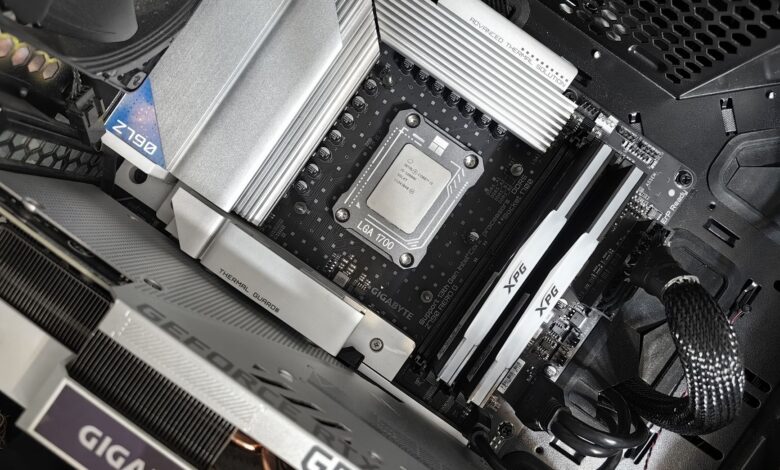
**How to Install a Motherboard: Standoffs, Socket, Connectors, and First-Boot Checks**
Installing a motherboard goes well when you treat it as five checks instead of one big job. Confirm the board fits your case and runs your processor, seat the processor gently, mount the board on only the spacers it needs, plug every cable where the board’s own manual says, then judge the first power-on by what you actually see. Do…
Read More » -
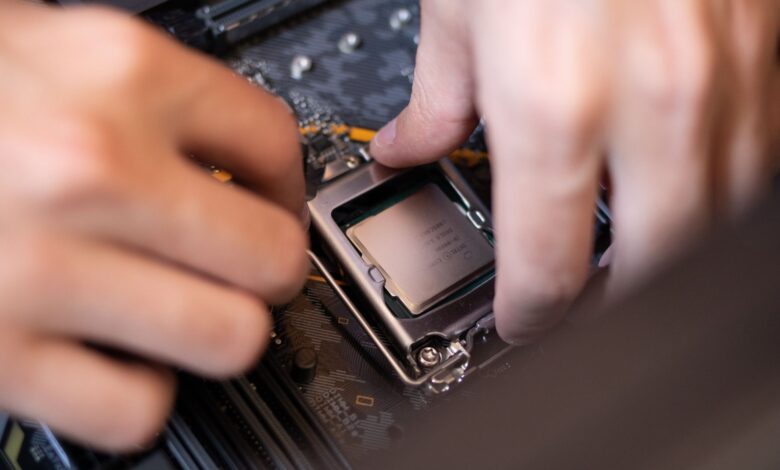
**How to Install a CPU on a Motherboard: Socket, Board Support, and BIOS Checks**
Installing a motherboard goes well when you treat it as five checks instead of one big job. Confirm the board fits your case and runs your processor, seat the processor gently, mount the board on only the spacers it needs, plug every cable where the board’s own manual says, then judge the first power-on by what you actually see. Do…
Read More » -
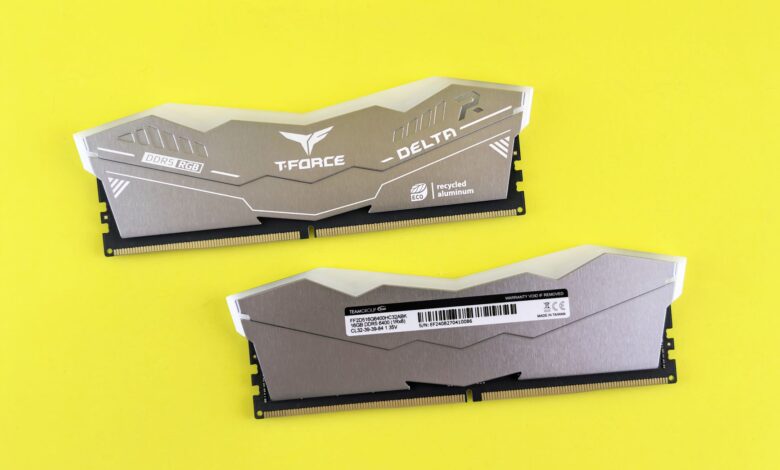
DDR4 vs DDR5 RAM: Which Memory Generation Is Right for Your PC?
The motherboard will have already provided most buyers with the answer to whether they should purchase DDR4 or DDR5 memory. Because DDR4 and DDR5 use incompatible slots, a motherboard designed for either type of memory will not accept the other type of memory. Additionally, the processor that you select will generally determine which type of memory (DDR4 or DDR5) you…
Read More » -
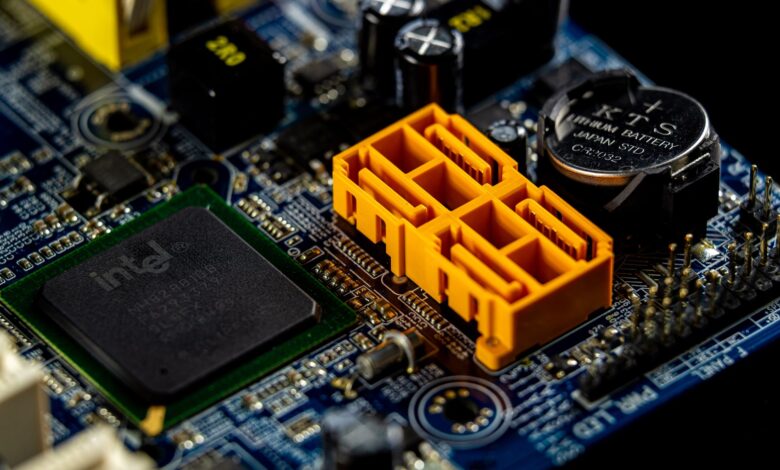
Processor Socket in a Motherboard: Which CPU Socket Works With Your CPU?
The processor socket defines what physically fits a motherboard, but not how to run it. Even if both the motherboard and CPU share the same socket name, when powered on for the first time, there may be a blank screen because the motherboard’s BIOS cannot recognize or operate any CPU until that CPU’s specific information is programmed into it. Intel…
Read More » -
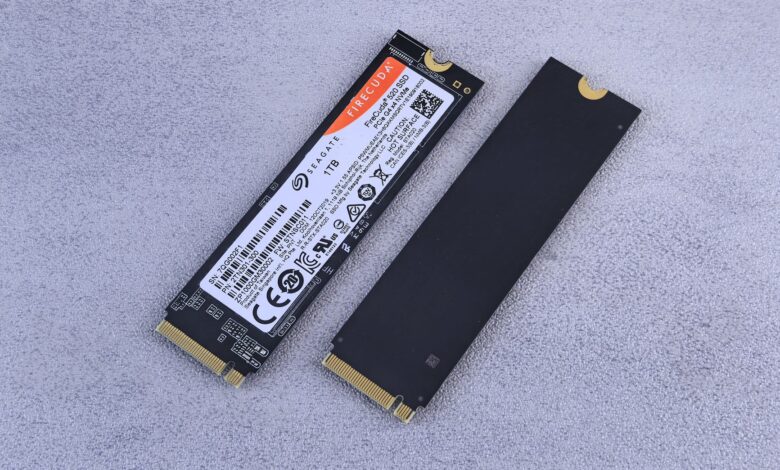
How Do You Install a Solid State Drive? M.2, SATA, and the Checks That Prevent Mistakes
The installation of SSDs consists of two jobs, and it is typically the second that traps people. The fastest part of installing an SSD is physically getting it into your computer’s case, but much of the time you are trying to get Windows to recognise your new SSD will be an afternoon of frustration until you complete the process. Your…
Read More » -
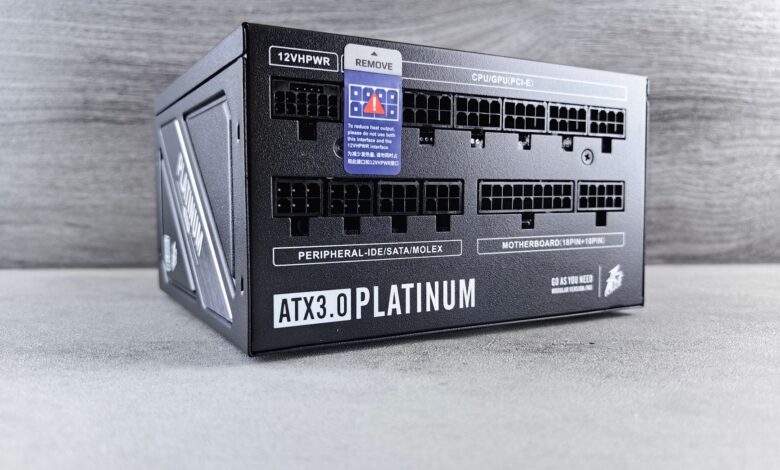
How to Replace a Power Supply in a Computer: A Safe PSU Replacement Guide
When changing out a power supply, the biggest concern isn’t what’s going to happen with all of the screws, but rather how all of those long cables will connect to the new power supply. All of the plugs that connect to your motherboard, drives, and graphics cards are all universal in nature, so they work the same across all brands,…
Read More » -
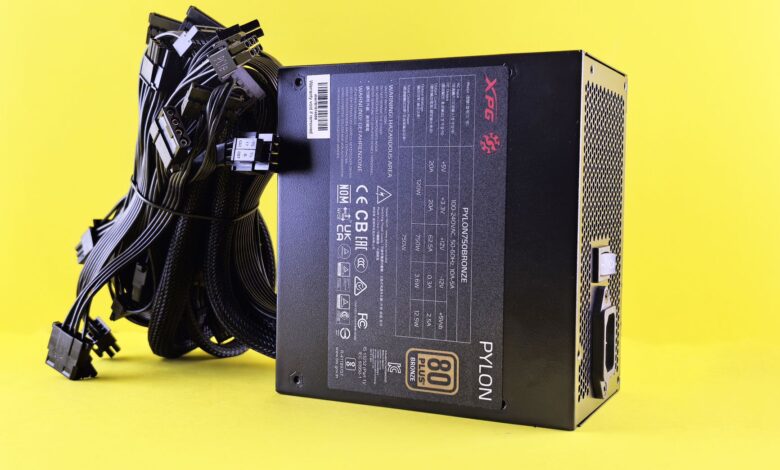
How to Use a PC PSU Tester: What the Test Can—and Cannot—Tell You
A PSU tester helps determine if a power supply can power up and if the selected outputs fall within the acceptable voltages during minimal loads (idle). It is a valid response to a valid question, but a more limited answer than most purchasers expect. The gap exists because the problems that prompted you to buy the tester — the unexpected…
Read More »