

-
Mobile Devices & Accessories
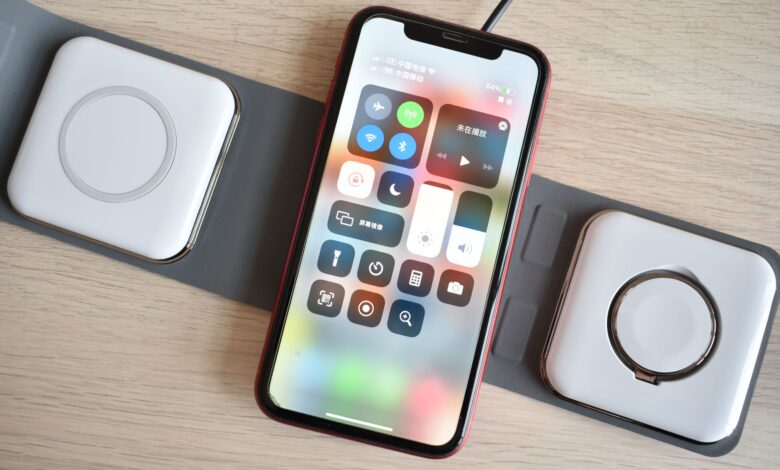
Anker 313 Wireless Charger Stand Review: Is It Worth Buying?
This Anker stand is a decent place to park your phone at night, but it isn’t the fast charger the box makes it sound like. Whether it’s worth buying depends less on the stand and more on the wall plug you already own. The official certification record for model A2524 lists a 5.0 W Basic Power Profile. The 7.5 W…
Read More » -
Mobile Devices & Accessories
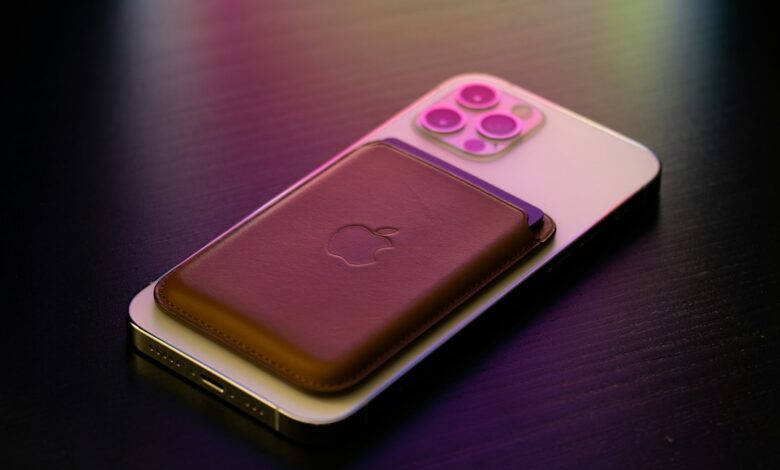
MagSafe Charger for iPhone 12: What You Need to Know
All iPhone 12 models are compatible with Apple’s magnetic charger, as well as many inexpensive third-party pucks. The speed at which an iPhone 12 charges will be determined by three factors – the model of iPhone 12 that you own, the type of charger you are using, and the power source you’re connected to. According to Apple, the maximum wireless…
Read More » -
Mobile Devices & Accessories
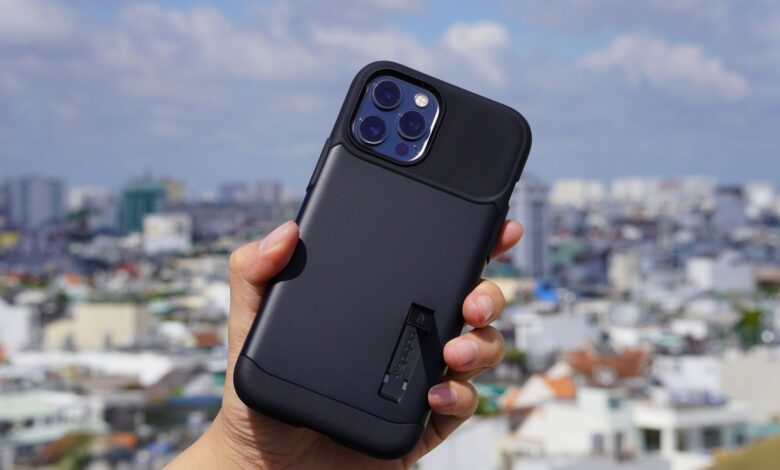
Spigen iPhone Case: Which One Is Best for You?
The best Spigen cases will vary based on the specific iPhone model you have, and what aspect of the iPhone annoys you most. Some of the things to consider are if you prefer a heavier phone in your pocket, slippery grip, clear back that discolor, or an accessory that requires magnets to work properly. Because there is no universal best…
Read More » -
Mobile Devices & Accessories
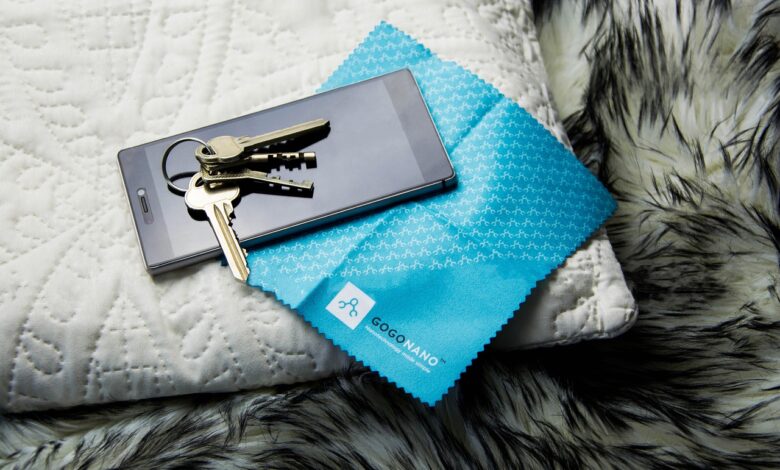
Spigen iPhone Screen Protector: Is It Worth It?
The Spigen iPhone screen protector is a good choice if you are looking for a product that can be installed quickly and easily with optimal alignment, as well as having an extra sheet of film included in the box. However, if scratch protection is your primary concern, it is an inferior option. In fact, there appears to be a great…
Read More » -
Gaming & eSports
Budget Gaming Headset: How to Choose One That’s Worth It
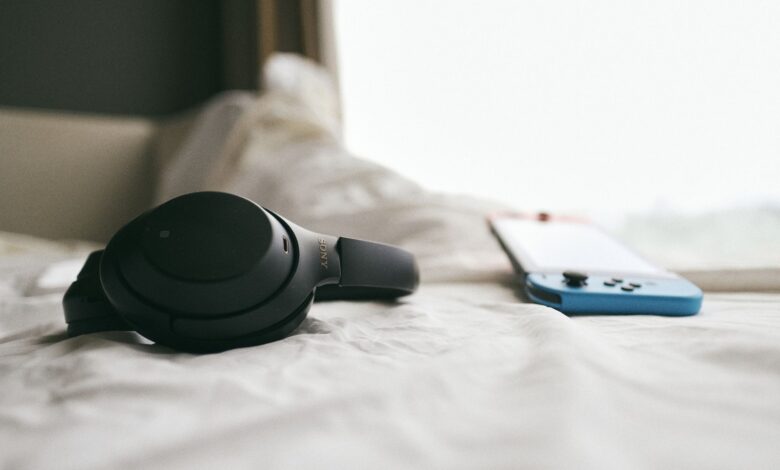
A cheap headset is only worth buying if your friends can hear you, not just if you can hear the game. Check that before you look at price, sound, or style. Nintendo’s support page says that with a Bluetooth headset on Switch 2 you can hear other players but not use the headset’s microphone. Sony’s error page says a Bluetooth…
Read More » -
Gaming & eSports
Capture Card for OBS: How to Set It Up
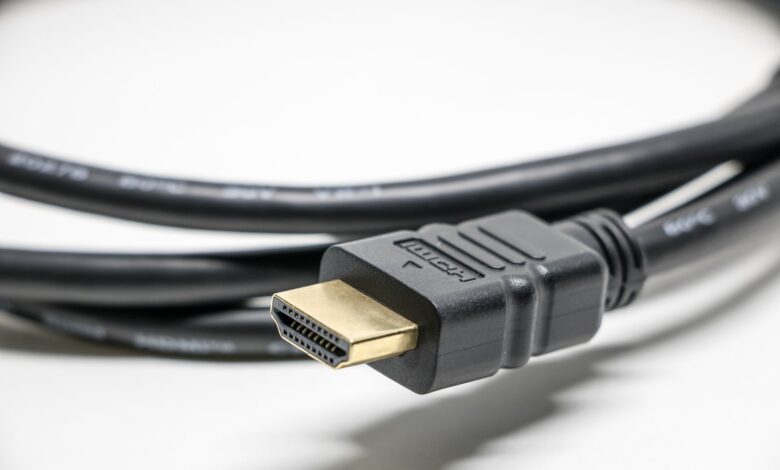
While setting up and using OBS with your console, it’s important to note that there are two separate paths for the TV and the computer to receive the game. When you follow the setup by checking each route in order, you will avoid confusion with regard to what needs adjustment versus what does not need to be adjusted randomly. Adding…
Read More » -
Gaming & eSports
Capture Card for PS5 Streaming: How to Set It Up
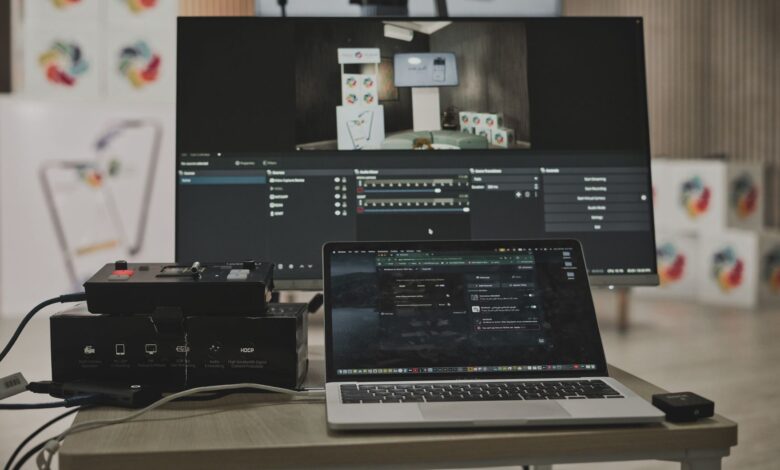
When streaming PS5 gameplay, the console outputs two signals, with one signal going directly to your display (TV or monitor) and the other going to a device that performs the stream (your PC). If one of the signals appears on the screen, you know that the signal path is functioning properly, and the other one is the area where the…
Read More » -
Gaming & eSports
Capture Card for Nintendo Switch: How to Choose and Set It Up
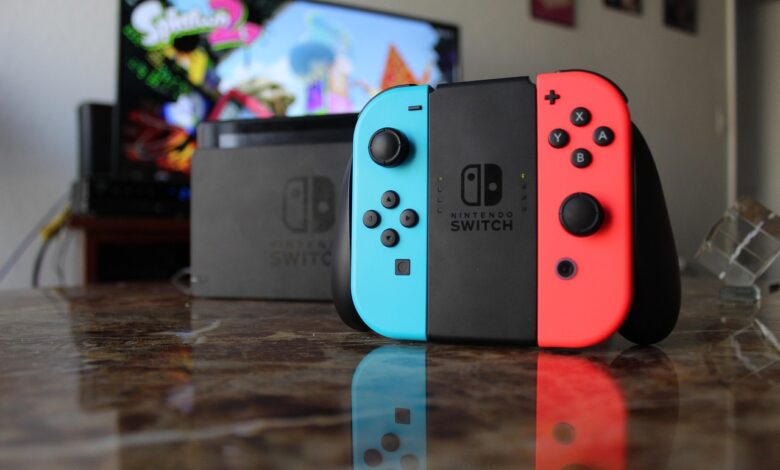
For a capture card to function properly with a Nintendo Switch, the console must be positioned in its dock and connected to a power source. This is why it is much more important to consider which model of the Switch you own compared to which model of the capture card you buy, as Nintendo limits the Switch Lite’s ability to…
Read More » -
Gaming & eSports
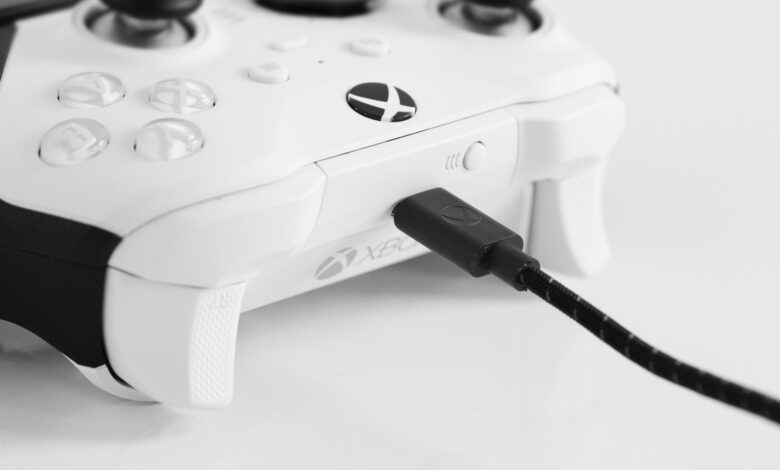
Xbox Controller Won’t Connect to PC: How to Fix It
There are three ways to connect an Xbox controller to a computer: cable, Bluetooth, or Microsoft’s wireless adapter. Many people mistakenly assume that one of the three connection types has failed. Turn to Xbox’s official PC connection guide to get information about setting, menus and limitations for USB, Xbox Wireless Adapter and Bluetooth. When attempting to troubleshoot why your Xbox…
Read More » -
Consumer Electronics

UHD vs OLED TV: What’s the Difference?
UHD describes how many pixels a TV has while OLED describes how each of those pixels actually produces light. Therefore, both terms are describing different things; every TV can either be an OLED or UHD TV. Most TVs available now are both OLED TVs and UHD TVs. The confusion comes from the way some manufacturers sell their televisions. For example,…
Read More »